Quick answer: How to Fish currently supports up to eight players. Have one player host a multiplayer world, choose Friends Only or Private, then invite everyone with the in-game Invite Friend option. Steam Overlay must be enabled. If you are using a lobby ID, copy the host's numeric ID exactly; if no ID appears, use the invite route and check the Steam relay status instead.
Choose the problem you need to solve
| Your question | Go straight to |
|---|---|
| How many people can play? | Current 8-player limit |
| I want friends only | Host a private game |
| I have a lobby code / ID | Join by lobby ID |
| The invite does nothing | Steam and relay fixes |
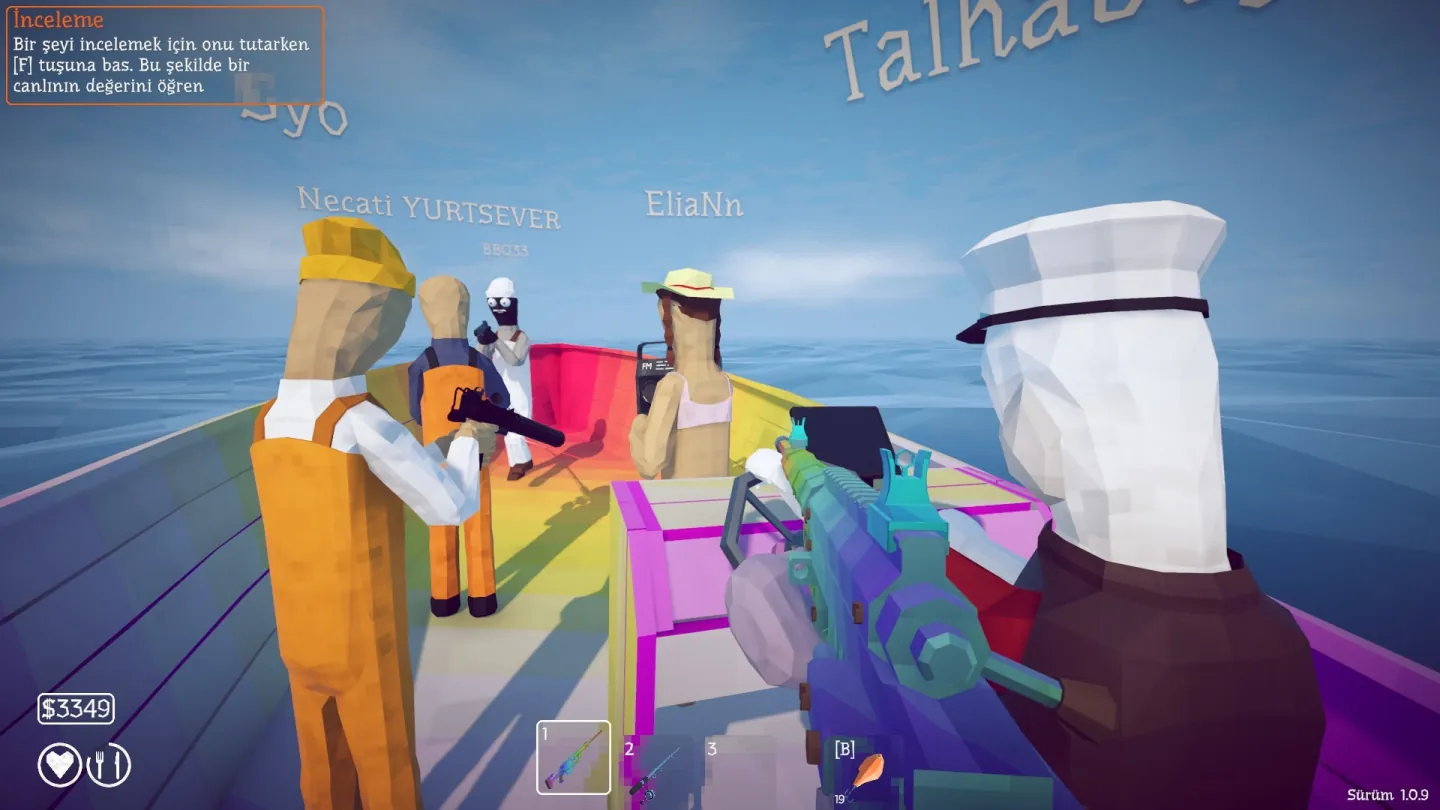
How many players can join?
The Steam store description still says “1–4 player,” but the developer's official Patch 1.0.4 notes added support for lobbies of up to eight. The patch note is the newer source for the live game.
| Patch | Multiplayer change |
|---|---|
| 1.0.4 | Raised the supported lobby size from four to eight players and addressed join-screen problems. |
| 1.0.5 | Added private invite-only lobbies and the option to change session type from server settings. |
| 1.0.9 | Added a Steam connection diagnostic in the main menu for relay initialization failures. |
| 1.0.10 | Increased the allowed connection time to reduce instant disconnects when joining a lobby. |
How to host a private game
- Launch the game through Steam so the online services initialize correctly.
- Create or host the world from the multiplayer menu.
- Choose the private / invite-only session type.
- Load into the game, then invite friends through the Steam friends list or overlay.
- Wait until every invited player has loaded before travelling to another island.
How to join a Steam friend
- Confirm both players are online in Steam and running the same game version.
- Ask the host to use Invite Friend inside the game; do not rely only on right-clicking a friend in the Steam client.
- Enable Steam Overlay if the friend picker does not open.
- Accept the new invitation after the host has fully loaded into the world.
- If it does not open the correct world, restart Steam and the game before retrying.
How to join by lobby ID
- Ask the host for the numeric lobby ID shown by the game.
- Open the multiplayer join screen and choose Join by ID.
- Enter the full number exactly, without spaces, then connect.
- If the host sees no ID, or Join by ID immediately returns to the menu, switch to a Friends Only / Private lobby and use the in-game Invite Friend option.
Steam relay or connection failed
Patch 1.0.9 added a short connection check in the main menu. If the Steam relay text turns red, the game did not initialize the connection correctly.
- Quit the game completely.
- Restart the Steam client, then relaunch How to Fish from your Library.
- Make sure every player is on the current patch.
- Enable Steam Overlay for both the host and joiner.
- Have the host create a fresh private lobby and send a new in-game invite.
- Join soon after the host loads instead of waiting until the world has progressed through several transitions.
- If the relay stays red, follow the developer's current common-bugs guidance in the official Community Discord linked from the patch notes.
Patch 1.0.10 increased the allowed connection time, so update before diagnosing repeated instant disconnects. The patch reduces one failure mode but does not replace the red-relay checks above.
Co-op tips that save a run
- Choose one host and keep that player in the session until everyone has finished travelling or saving.
- Assign one player to carry progression bait and boss trophies so they are not sold accidentally.
- During boss fights, let one player hold attention while the others maintain clear firing angles.
- Count the crew before the boat leaves; large groups make it easy to strand one player at a shop.
- Use a private lobby for planned runs instead of relying on a public server.
Official sources
- Official Steam store page — online co-op and solo support.
- Official Patch 1.0.4 notes — up to eight-player lobby support.
- Official Patch 1.0.5 notes — private lobbies and session-type controls.
- Official Patch 1.0.9 notes — Steam relay diagnostic.
- Official How to Fish announcements — Patch 1.0.10 connection-time change and newer updates.
- Steam Community join-by-ID report — current UI labels and fallback behavior; treated as a player report, not an official guarantee.
Multiplayer FAQ
How many players can play How to Fish?
The current lobby limit is eight players. Patch 1.0.4 raised it from four, even though the Steam store description still mentions 1–4 players.
How do you invite a friend?
Host a multiplayer world, choose Friends Only or Private, then use the in-game Invite Friend option. Steam Overlay must be enabled for the Steam friend picker to open.
Can you join with a lobby ID?
The Join by ID option accepts the numeric lobby ID shown by the host. If the host sees no ID or the button returns you to the menu, use the in-game Steam invite route instead and run the connection checks below.
What does a red Steam relay message mean?
It means the Steam connection did not initialize correctly. Close the game, restart Steam, launch the current game version and create a fresh lobby.